Odoo Community vs Enterprise: Which Version Should You Choose in 2026?
Choosing the right Enterprise Resource Planning (ERP) software is one of the most important decisions for any business. Among the many ERP solutions available today, Odoo ERP has become one of the fastest-growing business management platforms because of its flexibility, affordability, and modular architecture.
However, one question confuses almost every beginner and business owner before implementing Odoo:
Should I choose Odoo Community or Odoo Enterprise?
If you've searched for this question online, you've probably found many articles comparing features. Most of them list differences but don't explain which version is actually right for your business.
In this complete 2026 guide, you'll learn:
- What Odoo Community Edition is
- What Odoo Enterprise Edition is
- Major differences between both editions
- Licensing and pricing
- Features comparison
- Advantages and disadvantages
- Which version is best for startups, SMEs, and enterprises
- When to upgrade from Community to Enterprise
By the end of this guide, you'll be able to confidently choose the right Odoo edition for your business.
Understanding Odoo ERP
Before comparing Community and Enterprise editions, it's important to understand what Odoo actually is.
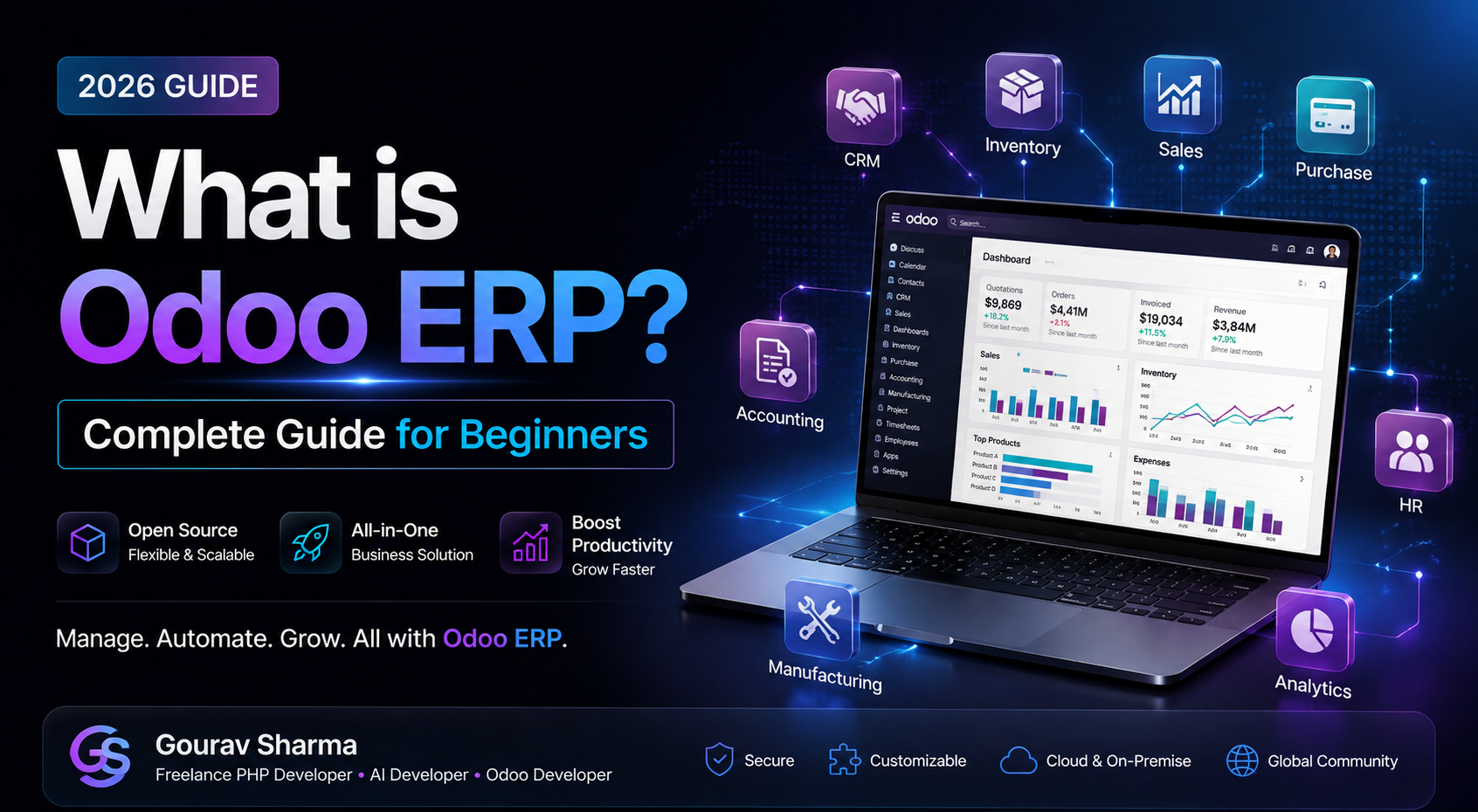
Odoo ERP is an all-in-one business management platform that integrates multiple departments into one centralized system. Instead of purchasing separate software for accounting, customer relationship management (CRM), inventory, sales, purchasing, manufacturing, HR, and marketing, Odoo allows businesses to manage everything from a single dashboard.
Its modular architecture means businesses only install the applications they need. As the company grows, additional modules can be added without replacing the entire ERP system.
This flexibility is one of the biggest reasons why startups and multinational companies alike choose Odoo.
What is Odoo Community Edition?
Odoo Community Edition is the free and open-source version of Odoo. Anyone can download, install, customize, and use it without paying license fees.
Because the source code is publicly available, developers can modify the system according to business requirements and build custom modules.
This makes Community Edition an excellent option for:
- Students learning ERP
- Developers
- Startups
- Small businesses
- Companies with technical teams
Main Features of Community Edition
- Completely free
- Open-source code
- CRM
- Sales
- Purchase
- Inventory
- Manufacturing
- Project Management
- Website Builder
- Custom module development
- REST API support
Although Community Edition offers powerful features, some advanced tools available in Enterprise Edition are not included.
What is Odoo Enterprise Edition?
Odoo Enterprise Edition is the commercial version of Odoo designed for businesses that require advanced functionality, official support, cloud hosting, enhanced security, and premium applications.
Unlike Community Edition, Enterprise requires a subscription based on the number of users and applications.
Enterprise Edition includes several exclusive features that reduce development effort and improve business productivity.
Exclusive Enterprise Features
- Odoo Studio (No-Code Customization)
- Spreadsheet Integration
- Advanced Accounting
- Field Service Management
- PLM (Product Lifecycle Management)
- Document Management
- Electronic Signatures
- VoIP Integration
- Mobile Application
- Official Odoo Support
- Cloud Hosting (Odoo Online)
- Automatic Upgrades
These features make Enterprise Edition attractive for medium and large organizations that want faster deployment with less custom development.
Why Does Odoo Offer Two Editions?
Many beginners wonder why Odoo has both Community and Enterprise editions.
The answer is simple.
Community Edition helps developers, startups, educational institutions, and small businesses start using Odoo without licensing costs.
Enterprise Edition, on the other hand, provides advanced business features, official technical support, and additional productivity tools for organizations that need enterprise-grade solutions.
This two-edition model allows businesses to start small and upgrade later as their requirements grow.
Real-Life Example
Imagine two companies.
Company A is a startup with five employees. It needs CRM, Sales, Inventory, and basic Accounting. Since the budget is limited and the founders have a technical team, they choose Odoo Community Edition.
Company B is a manufacturing company with 250 employees operating in multiple locations. It requires advanced accounting, electronic signatures, field service management, cloud hosting, and official support. For this company, Odoo Enterprise Edition is the better choice.
This example shows that the right edition depends on business size, budget, technical expertise, and long-term goals—not simply on whether one version is free or paid.
What You'll Learn Next
Now that you understand the purpose of both editions, the next section will compare them in detail. We'll look at licensing, pricing, modules, security, performance, support, customization, scalability, and total cost of ownership to help you make an informed decision.
Odoo Community vs Enterprise: Detailed Comparison
Both editions are built on the same Odoo platform, but they target different business needs. The Community Edition focuses on providing a powerful open-source ERP solution, while the Enterprise Edition includes advanced business applications, official support, and premium features.
| Feature | Community Edition | Enterprise Edition |
|---|---|---|
| License | Free & Open Source | Paid Subscription |
| Source Code | Available | Available with Enterprise License |
| Official Support | No | Yes |
| Cloud Hosting | Manual Setup | Available |
| Mobile App | Limited | Full Support |
| Accounting Features | Basic | Advanced |
| Studio (No-Code) | No | Yes |
| Automatic Upgrades | No | Yes |
| Technical Support | Community Forums | Official Odoo Team |
Licensing Difference
The most significant difference between the two editions is licensing.
Community Edition is released under the LGPL open-source license, allowing businesses and developers to download, customize, and deploy it without paying license fees.
Enterprise Edition requires a yearly or monthly subscription. The subscription cost depends on the number of users and applications used within the organization.
Although Enterprise requires payment, many businesses find that the additional productivity tools and official support justify the investment.
Customization Capabilities
One of Odoo's biggest strengths is customization.
In the Community Edition, developers have complete control over the source code. They can create custom modules, modify workflows, build APIs, and integrate third-party software.
Enterprise Edition also supports customization, but it additionally includes Odoo Studio, a no-code customization tool that allows business users to create fields, forms, workflows, and reports without programming knowledge.
This makes Enterprise particularly attractive for companies that want to reduce development time.
Performance Comparison
Performance depends more on server configuration than the edition itself.
If both editions run on the same server with identical hardware, performance is generally similar.
However, Enterprise users benefit from optimized cloud infrastructure, automatic updates, and official performance improvements delivered by Odoo.
Businesses using Odoo Online often experience faster deployment and simplified maintenance.
Security Comparison
Security is essential for any ERP system because it stores sensitive business data.
Both Community and Enterprise editions include:
- User authentication
- Role-based permissions
- Database security
- Access control
- Record rules
Enterprise Edition goes further by offering enterprise-grade security features, automatic updates, and quicker access to official security patches.
For organizations handling confidential financial or customer data, these additional protections can be valuable.
Support Comparison
Support is another major difference between the two editions.
Community Edition relies primarily on documentation, forums, GitHub repositories, YouTube tutorials, and the global Odoo community.
Enterprise customers receive official technical support from Odoo along with access to bug fixes, upgrade assistance, and professional guidance.
If your business depends heavily on ERP uptime, official support can significantly reduce operational risks.
Developer Perspective
From a developer's point of view, Community Edition is an excellent learning platform.
Developers can:
- Create custom modules
- Modify existing applications
- Build REST APIs
- Develop ERP solutions
- Learn Python and PostgreSQL
- Understand enterprise architecture
For students and freelancers, Community Edition provides an affordable way to gain practical ERP development experience.
Business Perspective
Business owners should evaluate Odoo based on operational needs rather than simply comparing the price.
If your organization requires advanced accounting, digital signatures, field service management, mobile applications, or official technical support, Enterprise Edition may deliver better long-term value.
On the other hand, businesses with experienced technical teams often prefer Community Edition because it offers complete flexibility without recurring license fees.
When Should You Upgrade?
Many successful businesses begin with Community Edition and later migrate to Enterprise as they grow.
You should consider upgrading when:
- Your company expands rapidly.
- You require official technical support.
- You need advanced accounting features.
- You want faster customization using Odoo Studio.
- You require cloud hosting and automatic upgrades.
- Your ERP system becomes business-critical.
Choosing the right time to upgrade depends on your business goals, budget, and operational complexity.
Advantages of Odoo Community Edition
- 100% Free and Open Source
- No annual licensing fees
- Complete access to source code
- Ideal for developers and startups
- Unlimited customization possibilities
- Large global developer community
- Suitable for learning Odoo development
Advantages of Odoo Enterprise Edition
- Official Odoo support
- Cloud hosting available
- Automatic upgrades
- Advanced Accounting
- Odoo Studio for no-code customization
- Electronic Signatures
- Mobile application support
- Enterprise-grade security
- Better productivity tools
Disadvantages of Community Edition
- No official support
- Requires technical knowledge
- Manual upgrades
- Limited advanced business applications
- Cloud deployment requires self-management
Disadvantages of Enterprise Edition
- Paid subscription
- Recurring annual cost
- Some businesses may not need premium features
- Higher implementation budget
Which Edition is Best for Startups?
If you are launching a startup with limited resources, Odoo Community Edition is usually the best starting point. It provides essential ERP features such as CRM, Sales, Inventory, Purchase, and basic accounting without requiring licensing costs.
Many startups begin with Community Edition and upgrade only when their operations become more complex.
Which Edition is Best for Small & Medium Businesses (SMEs)?
Small and medium-sized businesses should evaluate their business requirements carefully.
If the company has an internal development team capable of maintaining ERP software, Community Edition can be an economical solution.
However, businesses looking for faster implementation, official support, and advanced productivity features often find Enterprise Edition to be a better long-term investment.
Which Edition is Best for Large Enterprises?
Large organizations generally prefer Odoo Enterprise Edition because it offers advanced accounting, better reporting, cloud infrastructure, security updates, official support, and enterprise-grade applications.
For organizations with hundreds of employees and multiple departments, these additional capabilities improve operational efficiency.
Real Business Example
Imagine a manufacturing company with 15 employees.
Initially, the company only requires CRM, Sales, Inventory, and Purchase modules. They successfully deploy Odoo Community Edition and manage their operations without paying licensing fees.
After three years, the business expands to five branches with more than 150 employees. They now require advanced accounting, mobile access, electronic signatures, cloud hosting, and official support. At this stage, migrating to Enterprise Edition becomes a practical business decision.
This example demonstrates that choosing the right edition depends on business growth rather than simply comparing free versus paid software.
Common Mistakes Businesses Make
- Choosing Enterprise only because it is paid.
- Ignoring future business growth.
- Not calculating implementation costs.
- Installing unnecessary modules.
- Skipping employee training.
- Choosing ERP without defining business processes.
Expert Tips Before Choosing an Edition
- Identify your business requirements first.
- Prepare a realistic ERP budget.
- Estimate future business growth.
- Evaluate customization requirements.
- Consider long-term maintenance costs.
- Train employees before implementation.
- Work with an experienced Odoo consultant if your project is large.
Frequently Asked Questions (FAQs)
Can I switch from Community to Enterprise later?
Yes. Many businesses start with Community Edition and migrate to Enterprise as their business grows.
Is Community Edition suitable for commercial businesses?
Absolutely. Thousands of companies worldwide use Odoo Community Edition successfully.
Which edition is better for developers?
Community Edition is ideal for developers because it provides complete source code access and unlimited customization.
Which edition is better for non-technical users?
Enterprise Edition is generally more suitable because of Odoo Studio, official support, and easier maintenance.
Which edition should students learn?
Students should start with Community Edition because it is free and provides excellent opportunities to learn ERP concepts and Odoo development.
Final Verdict
There is no single "best" edition for every business. The right choice depends on your company's size, budget, technical expertise, and long-term objectives.
If you are a student, freelancer, startup, or developer who wants maximum flexibility with minimal cost, Odoo Community Edition is an excellent choice.
If your organization requires enterprise-grade applications, official support, cloud hosting, advanced accounting, and premium business tools, Odoo Enterprise Edition offers outstanding value despite the subscription cost.
Before making your decision, evaluate your current requirements as well as where your business will be in the next three to five years.
Continue Learning Odoo
This article is part of our Free Odoo ERP Learning Series.
- ✔ What is Odoo ERP? Complete Beginner's Guide
- ✔ Odoo Community vs Enterprise (Current Lesson)
- ➡ Top Features of Odoo ERP (Next Lesson)
- ➡ Odoo Modules Explained
- ➡ How to Install Odoo on Windows
- ➡ Odoo CRM Complete Guide
Need Odoo Development or Consultation?
Planning to implement Odoo ERP for your business?
I help businesses with:
- Odoo ERP Implementation
- Odoo Custom Module Development
- Odoo CRM Setup
- API Integration
- ERP Consultation
- Business Process Automation
If you're looking for professional Odoo development services, feel free to contact me for a consultation and let's discuss how Odoo can help your business grow.